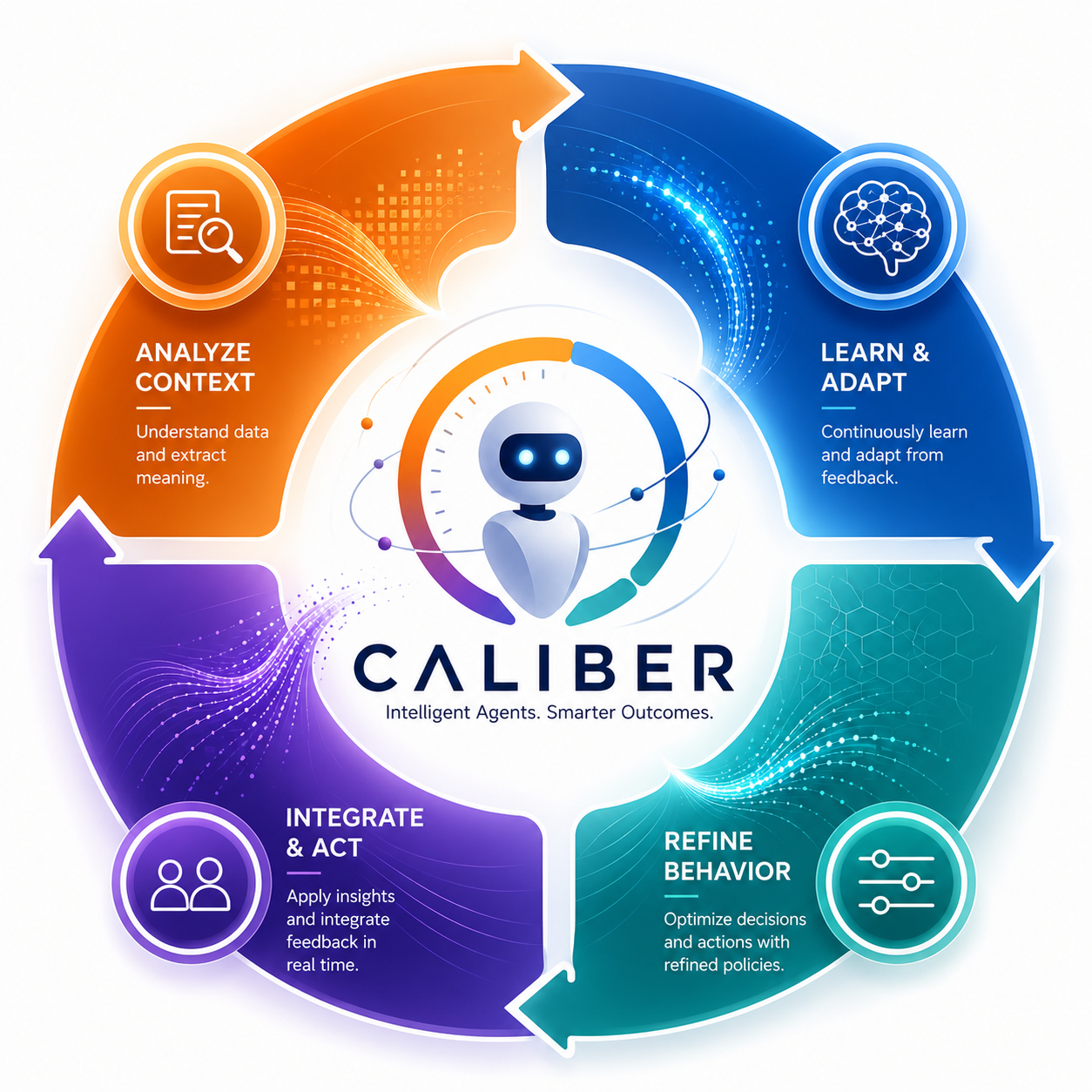
CALIBER : Contextual Adaptive Lifecycle for Intelligent Build, Evaluation, and Refinement
CALIBER is an MLflow-integrated ASGI control plane and application for teams shipping LLM agents to production. Author prompts, tools, skills, MCP servers, knowledge bases, and visual workflows — then test, calibrate, deploy, and observe them through asset-specific controls. Where eval-only tools stop at a score, CALIBER connects measured prompt proposals to explicit review and apply, while each other asset family exposes the lifecycle controls it actually implements.
Choose your path
Start from your job, not from the repository structure. These entry points route to the shortest useful path for integration, operations, trust review, architecture, or product fit.
Design principles
Ten principles govern what CALIBER builds and what it refuses to build. The order is deliberate, and when two principles pull against each other, the lower number wins. The full explanation of how the platform discharges each principle lives in the layered architecture.
-
Governed Agentic WorkflowsGovernance, security, compliance, and policy enforcement at the core.
-
Progressive AutonomyThe path from human-led processes to fully autonomous agent-driven execution.
-
Auditability & ObservabilityEvery workflow, decision, and agent action traceable, transparent, and explainable.
-
Evaluation by DesignTesting, verification, validation, benchmarking, calibration, and optimization from the start.
-
Open & ExtensibleEnterprise systems, AI models, tools, and external agent platforms through open APIs and SDKs.
-
Modular & ComposableLoosely coupled components that are reusable, flexible, and easy to extend.
-
Scalable & ReliableEnterprise-grade performance, resilience, and operational reliability.
-
Open-Source FirstProven open-source building blocks with strong community support.
-
Developer & User FriendlyA clear, productive experience for both developers and business users.
-
Future ReadyEvolving AI capabilities, orchestration patterns, and enterprise needs.
Browse by documentation area
The primary documentation areas mirror the published information architecture: start here, use the product, build and integrate, operate safely, inspect exact reference, and then drop into architecture or strategy when you need deeper context.
No documentation cards match that search yet.
Start here
Orientation, role-based entry points, and the shortest path to a useful starting page.
Use CALIBER
Feature areas, trust surfaces, and the pages that help system users and evaluators understand product behavior.
Build & integrate
Programmatic integration, SDK usage, raw HTTP guidance, and the development paths that get developers to a working integration quickly.
Operate CALIBER
Bring-up, configuration, readiness, storage, troubleshooting, and recovery paths for operators and admins.
Examples
Start here when you want complete runnable flows instead of individual API or architecture pages.
Reference
Exact API, SDK, workflow-component, and configuration lookup material.
Architecture
Deep architecture, runtime boundaries, and the technical model behind the platform.
Strategy
Market context, roadmap, and the supporting material used to explain where CALIBER fits.
First success
Pick the shortest path that proves CALIBER is working for your job. These are the pages to open first for local bring-up, SDK integration, trust review, and workflow authoring.
Run CALIBER locally
Use the shortest bring-up path, confirm readiness, and move into operator guides only if you need them.
Make the first SDK call
Start with the typed client, then drop into auth, scoping, or raw HTTP only when integration needs it.
Review trust posture
Follow the path across evidence, evaluation, calibration, QA, and apply or release boundaries.
Build a workflow
Start from the practical workflow guide before you read deeper runtime or architecture pages.
Featured references
These are the most commonly needed lookup pages once you already know which area of the platform you are working in.
Developer lookup
Exact interfaces, route contracts, and environment/configuration details.
Operational and architecture lookup
Pages that answer the next question after orientation: how it runs, what it stores, and how it is governed.
Secondary resources
These pages stay published because they help with walkthroughs, demos, and presentations, but they are intentionally secondary to the main documentation paths above.
Interactive and hands-on
Visual and guided material that complements the main guides without replacing them.
Collateral
Presentation-grade summaries for sharing CALIBER outside the core documentation flow.